
Toni resume template
Compact header, skills beside your experience
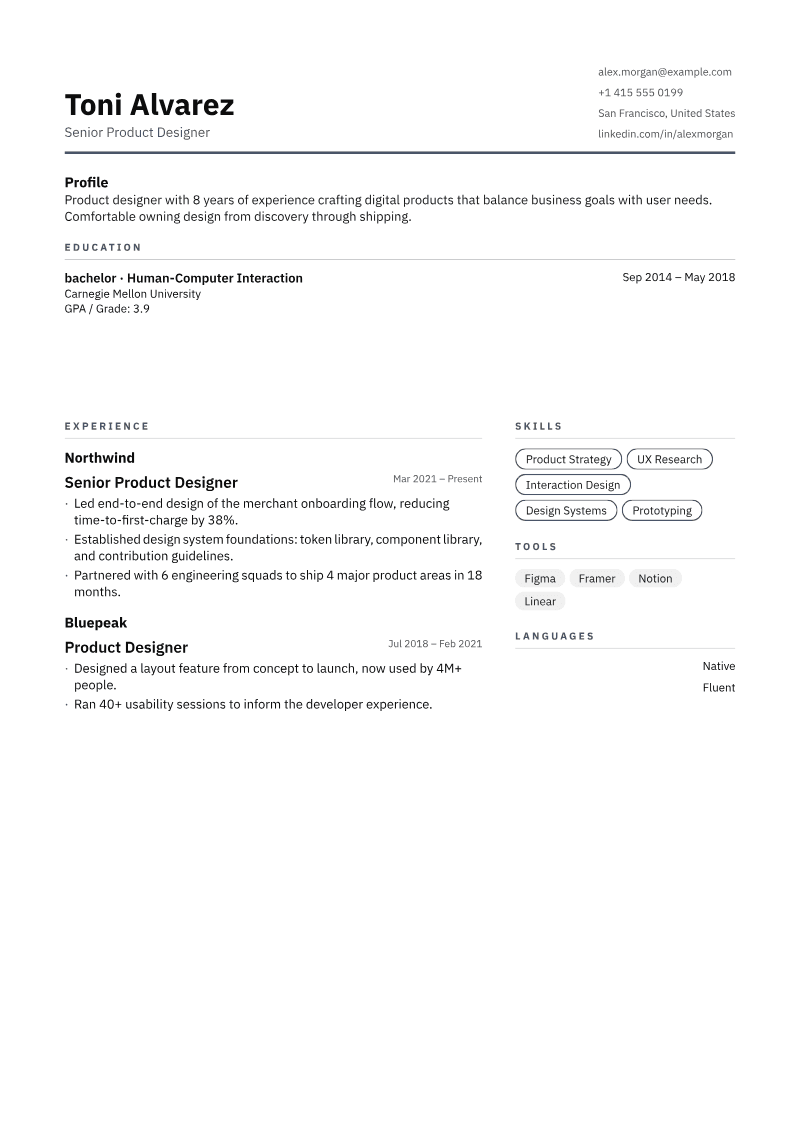
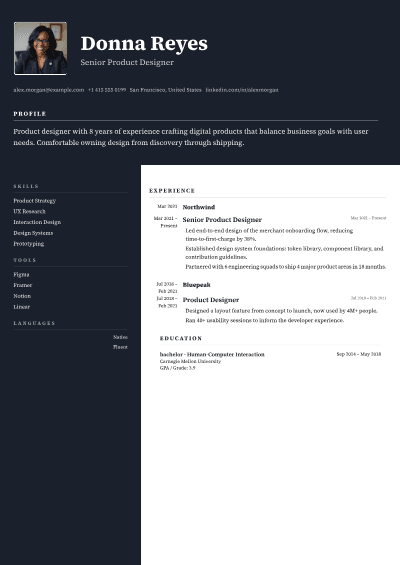
The Toni template is a resume layout with no photo and a compact header. Your name sits on the left and your contact details on the right. Profile and education run across the full width, then experience takes the left side with skills, tools and languages beside it.
Free. No credit card. No paid tier.
Who should use the Toni resume template?
A good fit when
- The employer asks for a resume without a photo.
- You want skills visible next to your experience.
- You want a calm layout with very little color.
Pick another template when
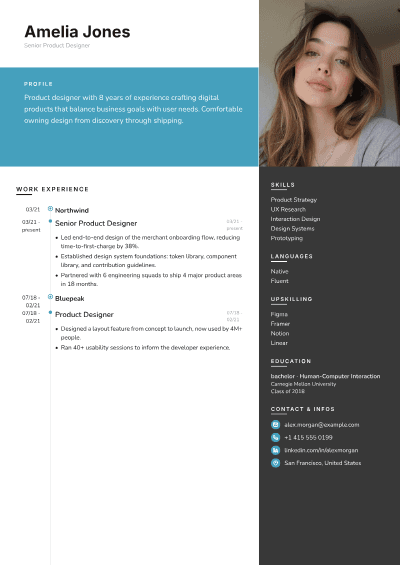
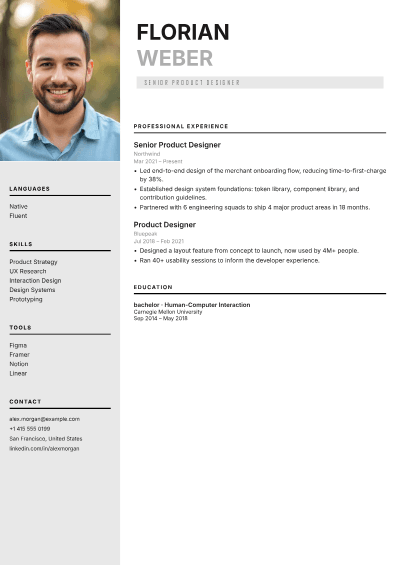
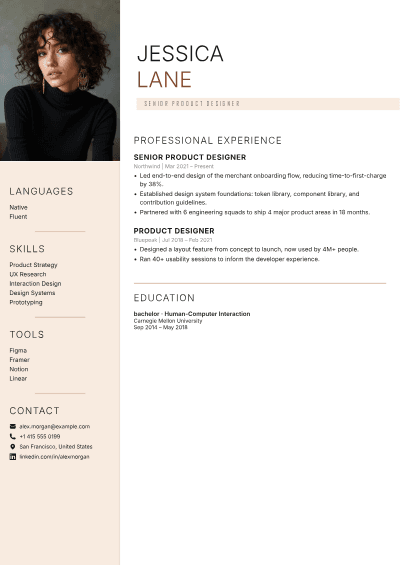
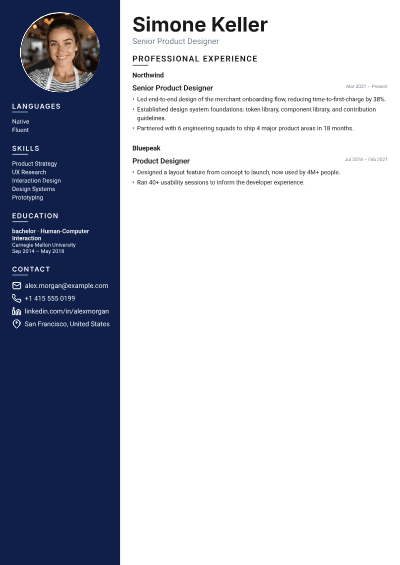
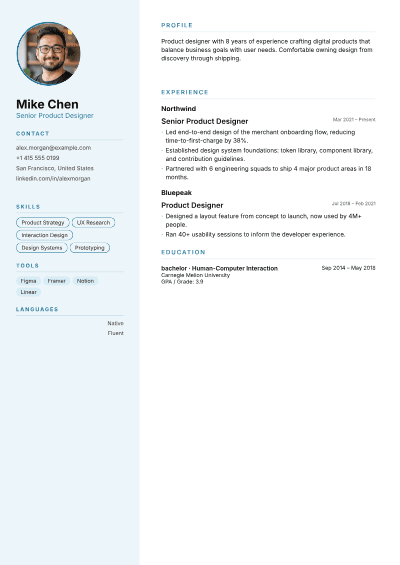
- You want a photo on your resume. Try Mike or Simone.
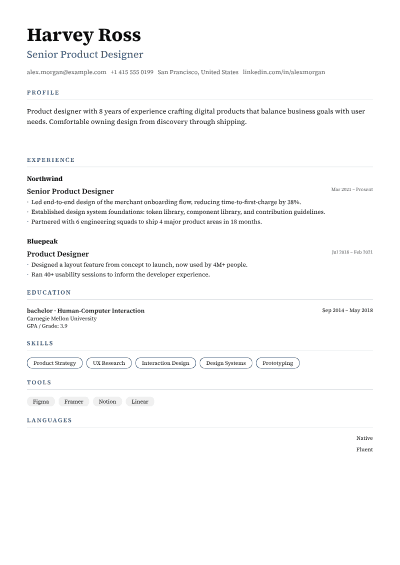
- An employer asks for a strictly single-column format. Use Harvey.
What goes where on the Toni template?
- HeaderName and title left, contact right.
- Profile and educationFull width.
- ExperienceLeft side, dates on the right.
- Skills, tools and languagesRight side.
Is the Toni resume template ATS-friendly?
Yes. The PDF contains real, selectable text with standard section headings, which applicant tracking systems look for. Some older systems read two columns in a different order. If an employer asks for a plain format, switch to a single-column template such as Harvey. Your content stays the same.
How does Toni compare with other templates?
Toni template questions
Your next application, tailored in minutes
Free forever, no credit card needed.